
Step-by-step guide to launching your first campaign
On this page
A campaign is created as a public request in which you ask creators to publish the video on their profile. The assistant saves changes automatically, so you can leave it as a draft and finish it later.
Create the campaign
Go to Public brief & Campaigns
In your dashboard menu, click Public brief & Campaigns to open the public request assistant.
Brief summary
Enter a clear title (up to 40 characters), a short description and the category. Indicate the video language in the description: the brief has no language field. If you activate Audience targeting (gender and country), only creators who meet it will be able to apply.
Logistics
Indicate whether you need to send a product and whether you need creators in a specific location, for example, for a local campaign.
Video and distribution
Choose the duration, formats and extra hooks. Under Publish on social networks, select Instagram, TikTok or YouTube. On Instagram and TikTok, choose how your brand will appear (Collab post, Tag/mention only or Do not tag) and add the brand's @ handle; on YouTube, choose the YouTube format.
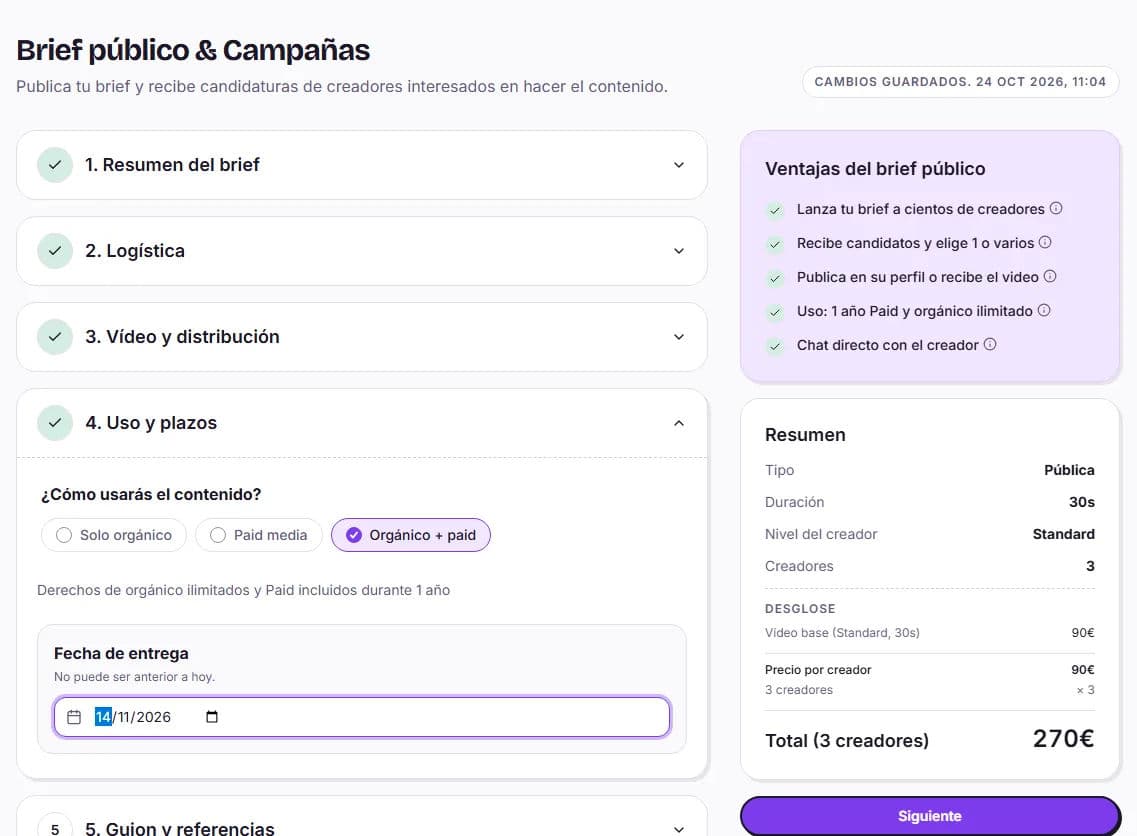
Usage and deadlines
If you want to run ads with the videos, choose Organic + paid (or Paid media): in a public request, paid usage lasts 1 year from the date you approve it. With Organic only, there are no rights for ads. Set a Delivery date that allows enough time for product shipping and recording.
Script and references
Decide whether you will provide the script or the creator will write it. Add editing instructions and reference links.
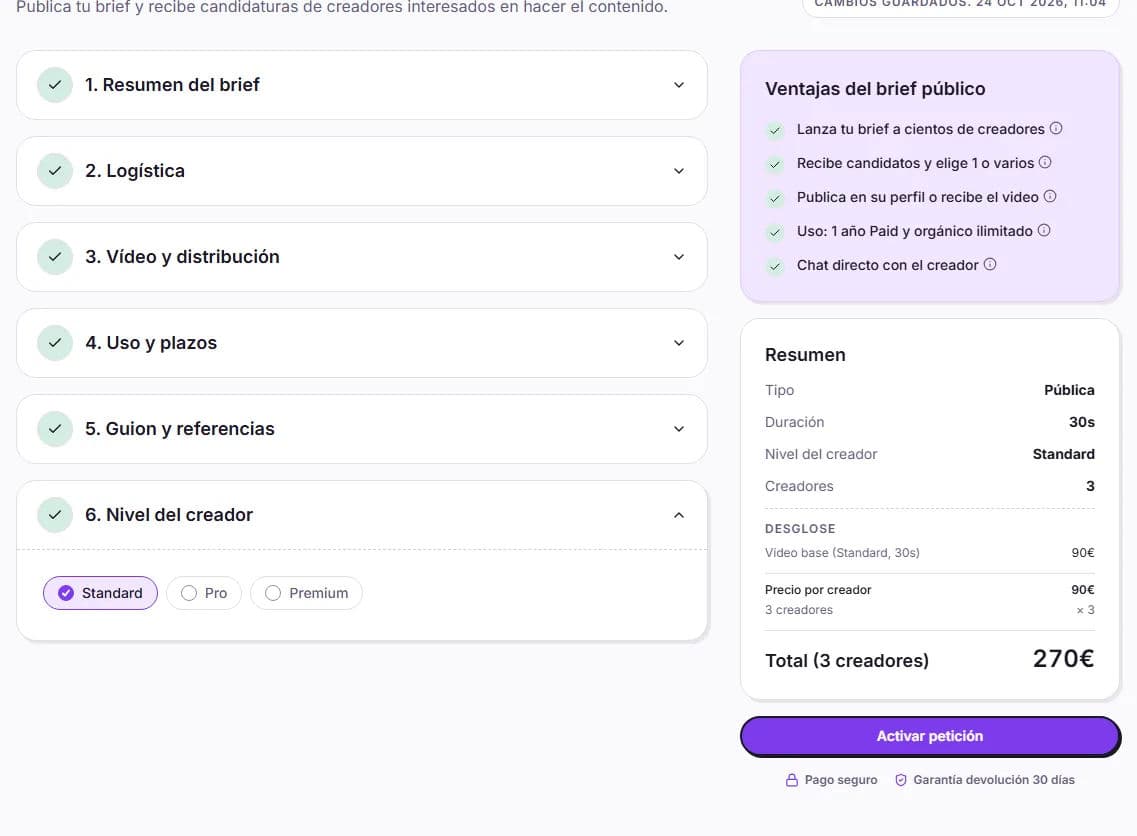
Creator level and number of creators
Choose the minimum level and the Number of creators (from 1 to 100). The price is multiplied by that number, because each creator delivers the complete brief and publishes.
Activate the campaign
If your balance covers it, click Activate request. If not, you will see Go to payment: your balance is used first and you pay the rest with Stripe. The amount is held until you approve each collaboration.
After launching it
- Your campaign appears in Opportunities for creators and does not expire: it remains open until you fill all the spots.
- Candidates appear under Interested, within your request in My requests. We do not email you about each application, so check in from time to time.
- Chat with them if you want and choose the creators with Choose creator and Confirm selection. We explain it in Selecting creators for your campaign.
- If there is a product, you will see each creator's Shipping address (we will notify you by email), and you send it yourself.
- When they deliver, you have 7 days to review it: Approve collaboration and release payment or Request revision. The first round of changes is free of charge.
- Agree on the publication date via chat and ask for the link to each post: HICARI does not record when each creator publishes.
Is there a minimum number of creators?
No. You can launch it with 1 creator and, if you need more, use Add more creators (up to 100).
Can I cancel it?
Yes, as long as no creator has accepted it: clicking Cancel returns it to draft status and the held balance becomes available again.
Do I have to top up my balance first?
No, it is not required. When you activate it, your balance is used and you pay anything outstanding with Stripe.