
How to find UGC creators
On this page
Go to Creators — private brief: HICARI’s creator explorer, with filters to find the profile you’re looking for. Registering and viewing creators is free; you only pay when you activate a request.
Open the explorer
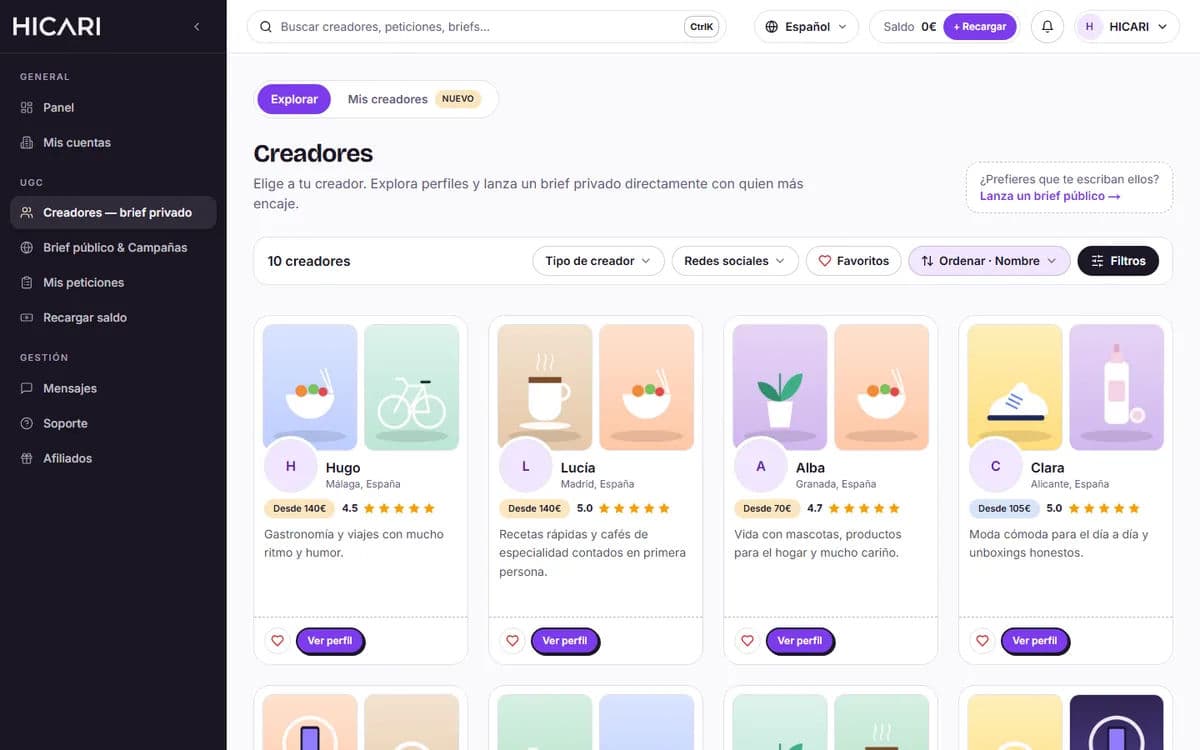
Log in with your brand account and, from the menu, go to Creators — private brief. You’ll see the creators’ cards with their portfolio, rating and the «From» price for a video.
Filter and sort
At the top you have the quick filters and, under Filters, the rest:
- Creator type: Standard, Pro or Premium.
- Social networks: Instagram, TikTok or YouTube. If you select several, you’ll only see creators who have all of them active.
- Search: general search, name and Brands they have worked with, with the option to Include or Exclude.
- Location: country of residence, autonomous community, province, city and nationality.
- Profile: gender, age range, category, filming (whether they film with a partner, children, family…), pets, format, languages and appearance.
- Equipment: recording equipment and editing software.
With Sort you can see those with the Best rating, Highest acceptance, Highest score, Most followers or Newest first.
Review the creator’s profile
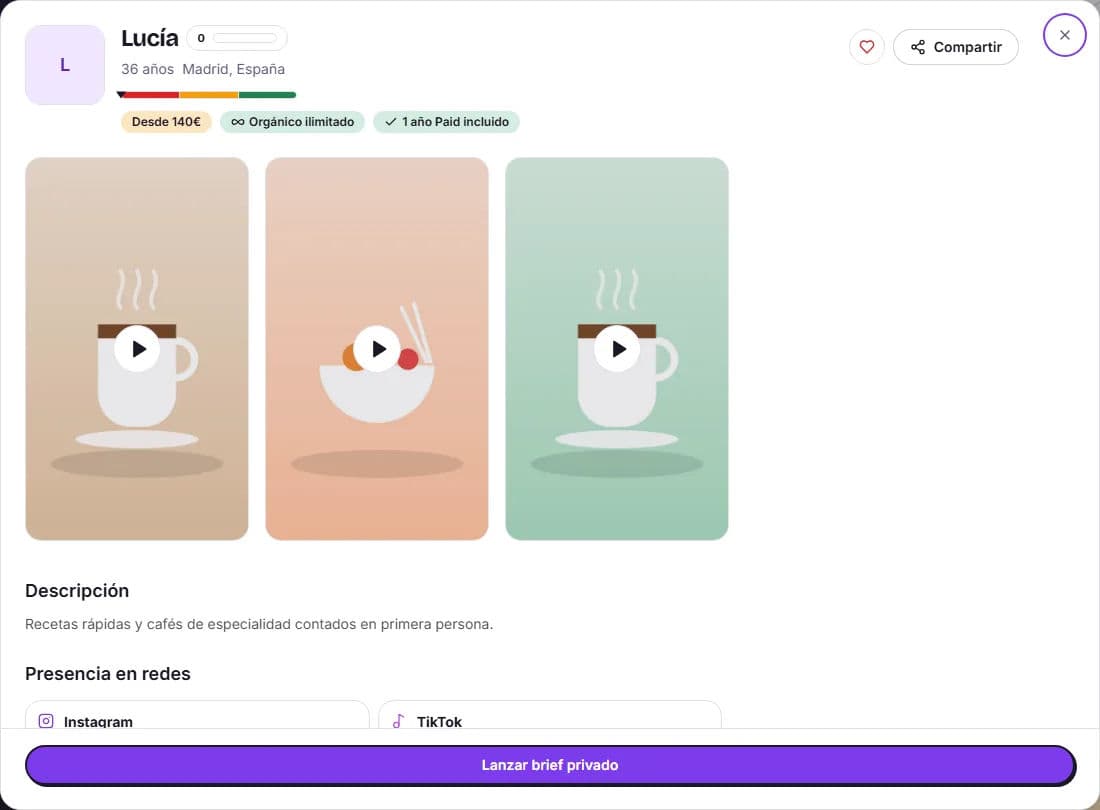
Click View profile to open their profile. Pay attention to:
- Portfolio: image and sound quality, how they communicate and how they edit. This is what your video will resemble most.
- The HICARI Score (0–100), the Acceptance rate and response time, for example «Responds in less than 24 h».
- Reviews from other brands.
- Presence on social networks: followers on each network, Open profile to view their account and the «… per post» price if you want them to publish on their profile.
- Categories, languages, equipment and brands they have worked with.
You’ll find more criteria in How to choose the right creator.
Save favorites and selections
Click the heart (Add to favorites) on the profiles that suit you and, to compare them, activate Favorites in the filter bar: you’ll only see those profiles. If you work with several options or for clients, under My creators you can create and share selections: we explain it in My creators: selections, export and links.
Launch the request
- You already know who you want: on their profile, click Launch private brief. A draft linked to that creator is created and, when you activate the request, they receive the invitation. They have 72 h to respond.
- You’d rather have creators come to you: launch a public request from Public brief & Campaigns and choose from those who apply.